

How to Find Your Lab Order
Before your mobile blood draw, Aeris Phlebotomy Services must receive a valid laboratory order from your healthcare provider.
How to Find Your Lab Order
Can I find my lab order through my patient portal?
1
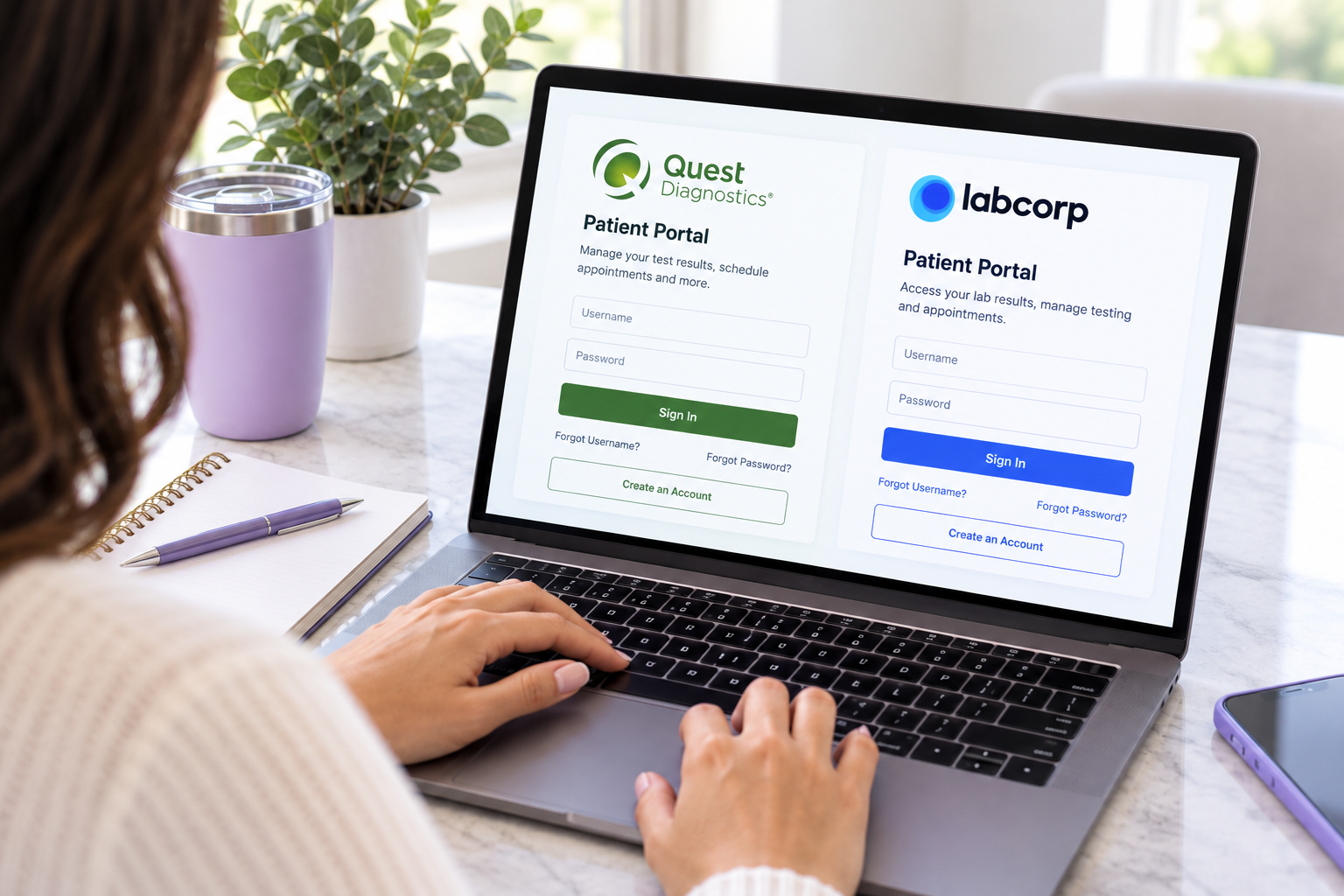
If your healthcare provider has electronically submitted your laboratory order, you may be able to access it through your Quest Diagnostics or Labcorp patient portal after completing the required identity verifivation. Log in to your account and check for your laboratory order or upcoming testing information.
What if I cannot find my lab order?
2
If you cannot locate your laboratory order online, please contact your doctor’s office and request a copy of the laboratory order required for your testing.
Depending on your healthcare provider and testing location, your laboratory order may be associated with Quest Diagnostics, Labcorp, Bon Secours or Prisma Health.
For laboratory drop-off services, please confirm with your doctor's office which laboratory or facility should receive the specimen and which order format is required.
What if I receive a MyChart or patient portal printout?
3
Patient portal printouts may not always contain all of the information required by the designated laboratory. If you are unsure whether your order is acceptable, please send it to Aeris before your appointment so we can review it.
Where do I send my lab order?
4
Please email your laboratory order to appointments@aerisphlebotomy.com before your scheduled appointment. This allows Aeris to review the order and help ensure the required information is available before your mobile blood draw.
Important Information.Laboratory orders may have specific formatting or information requirements depending on the laboratory and healthcare provider.If you are unsure whether your order is acceptable, please contact your doctor’s office or email the order to Aeris before your appointment for review.